
Intake forms
The application, before the jury sees it.
Build the application in your workspace, publish a public link, and each submission becomes an item the jury can open. Applicants do not create an account.
How to use it
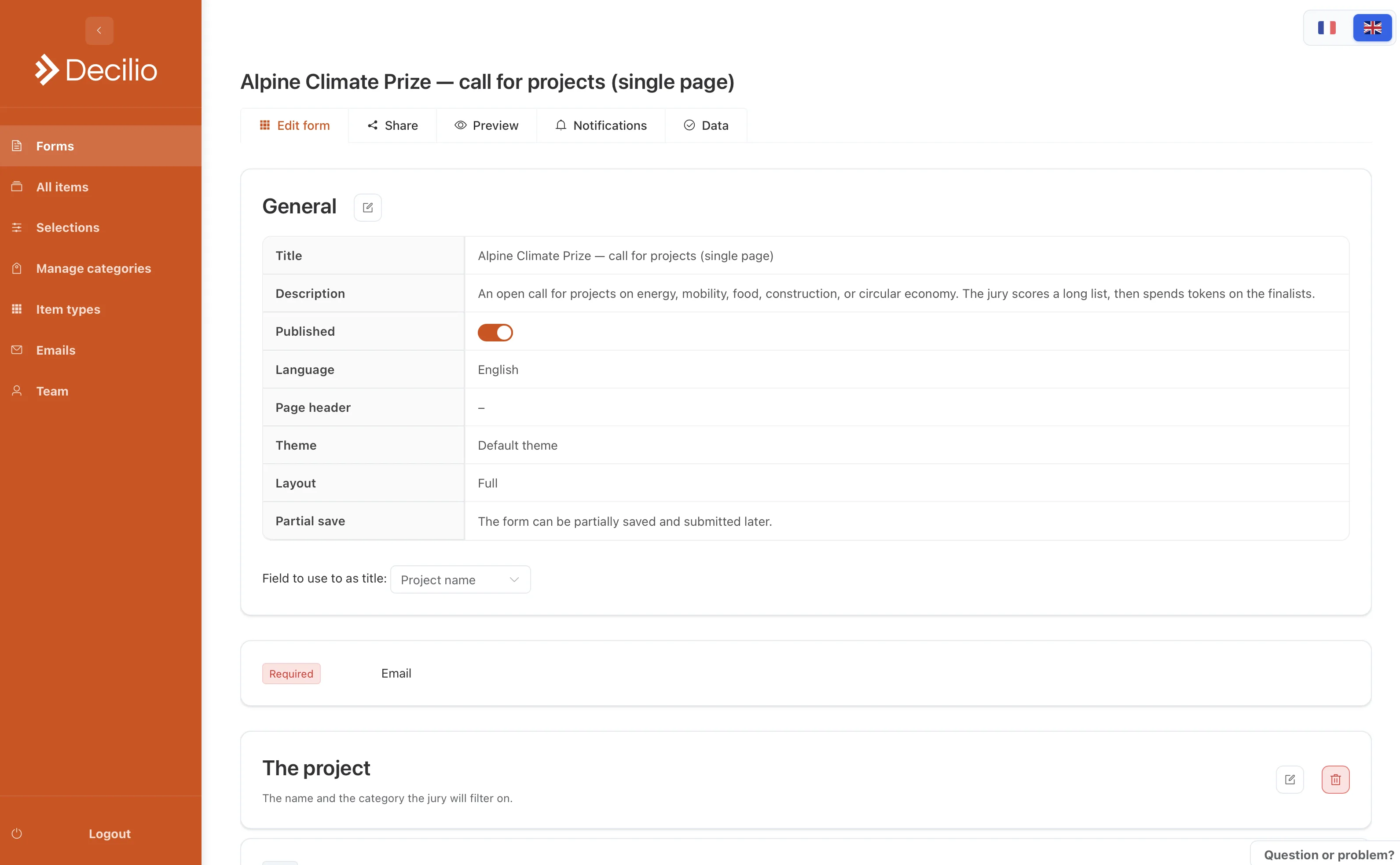
- Name the formUse the title and the language applicants should see. Add a short description of the call.
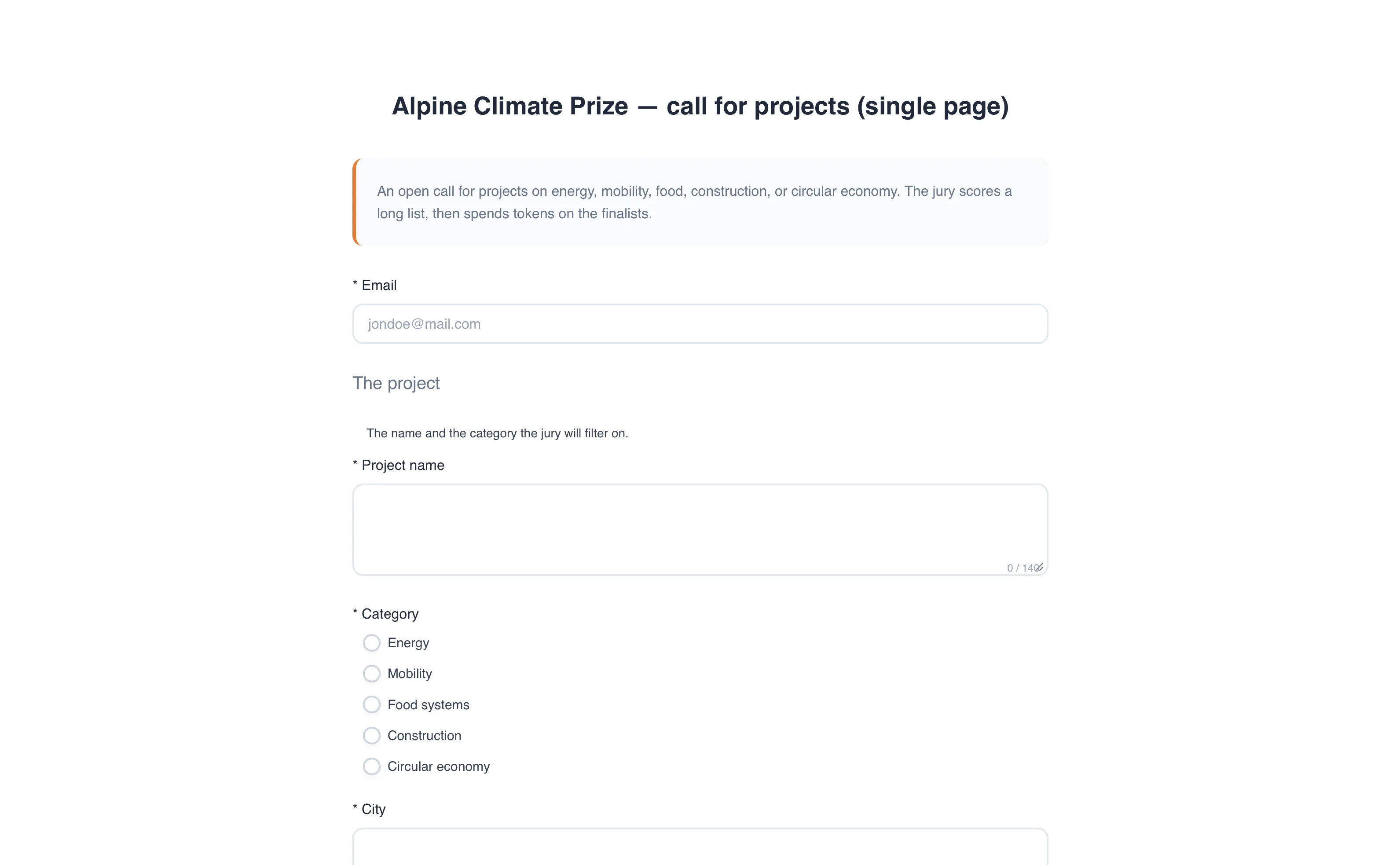
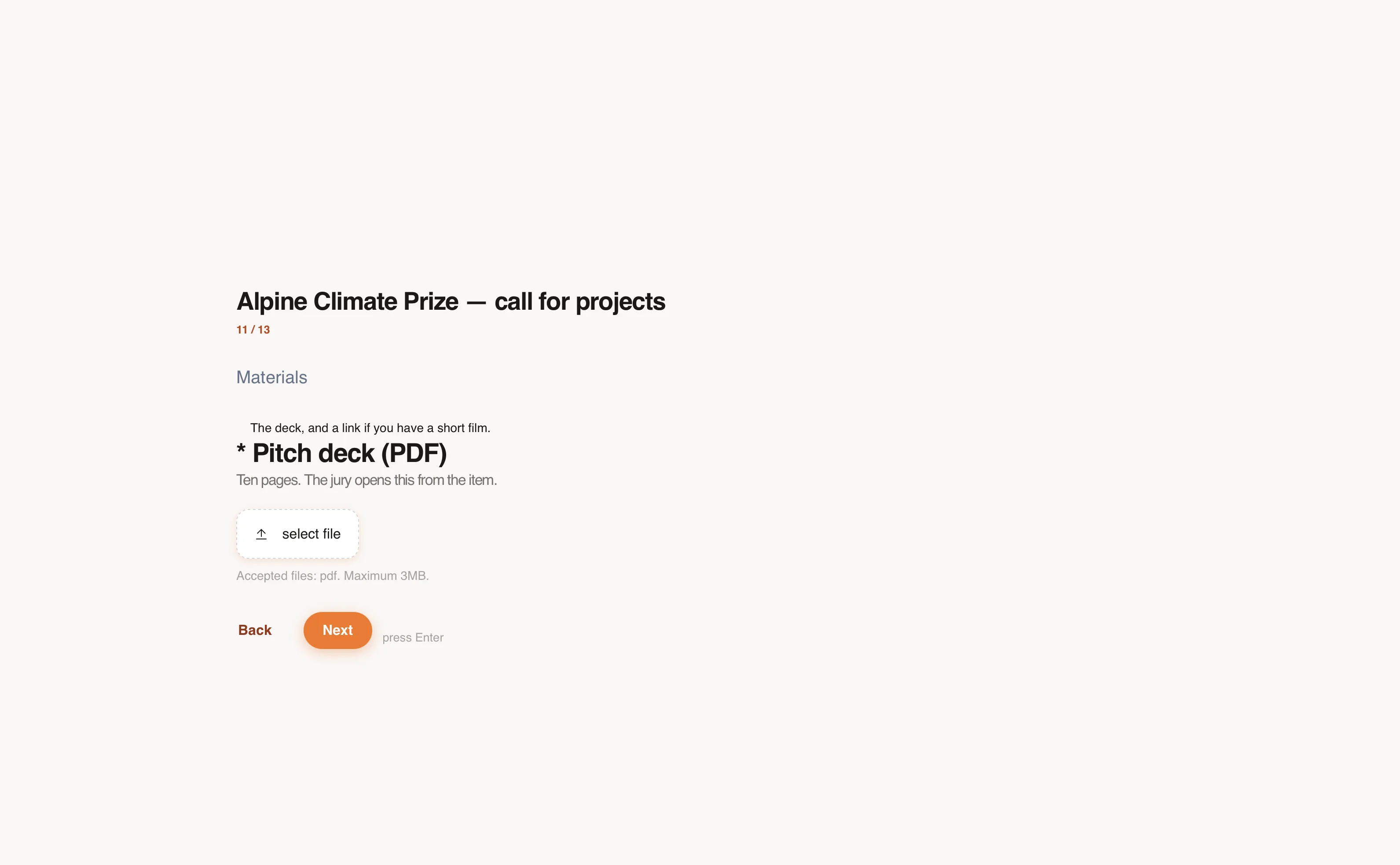
- Add the questionsMark the ones that are required. Use a file upload for the deck, the budget, or the dossier.
- Show a question only when it appliesTurn on a conditional question so a later field appears only after a specific answer.
- Set the lookAdd your logo and a colour. Turn on a confirmation email for the applicant, and a notice for your team.
- Test, then publishSubmit once yourself, check the item it creates, and only then share the link.