
Private links
The link is the login. No account.
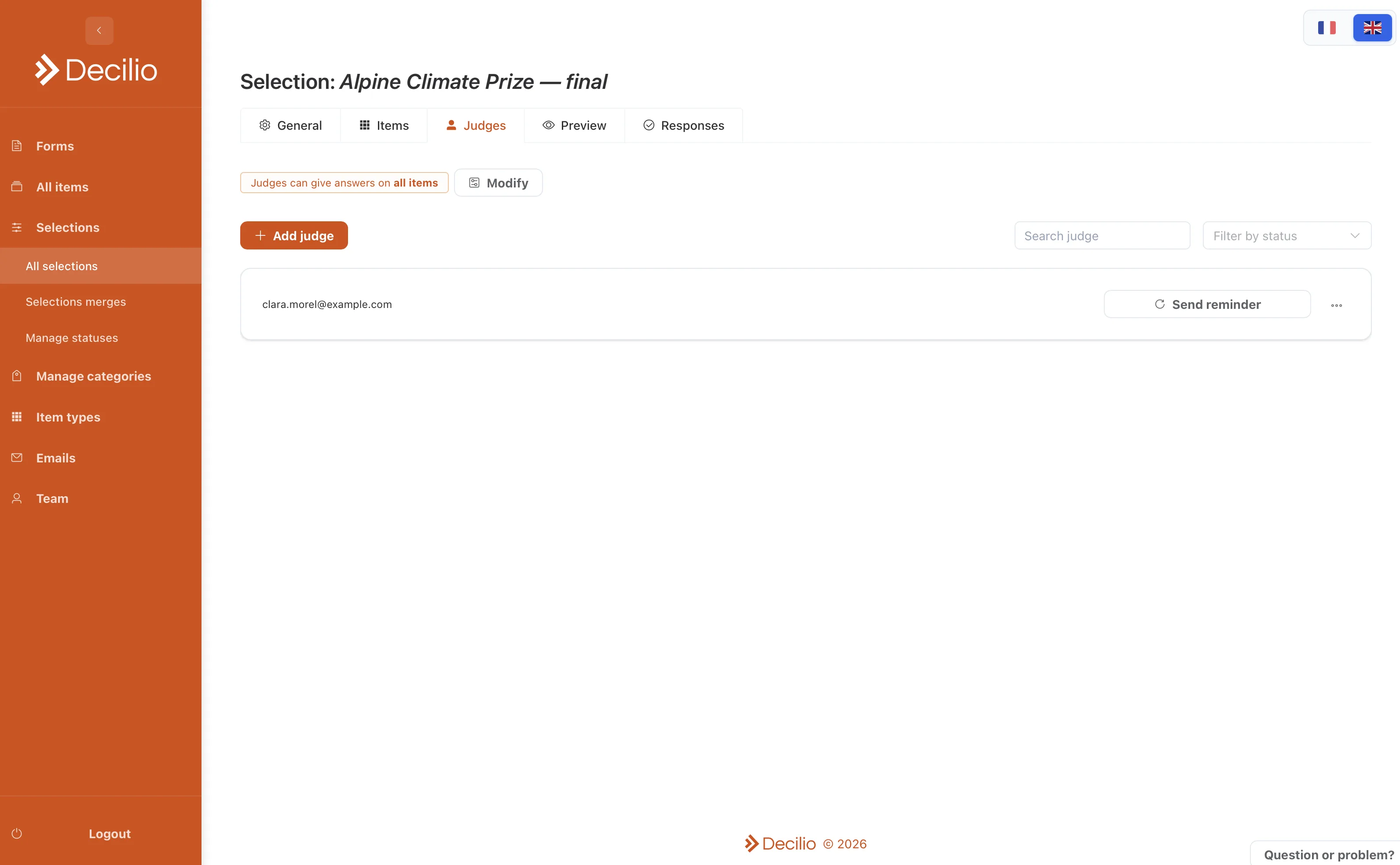
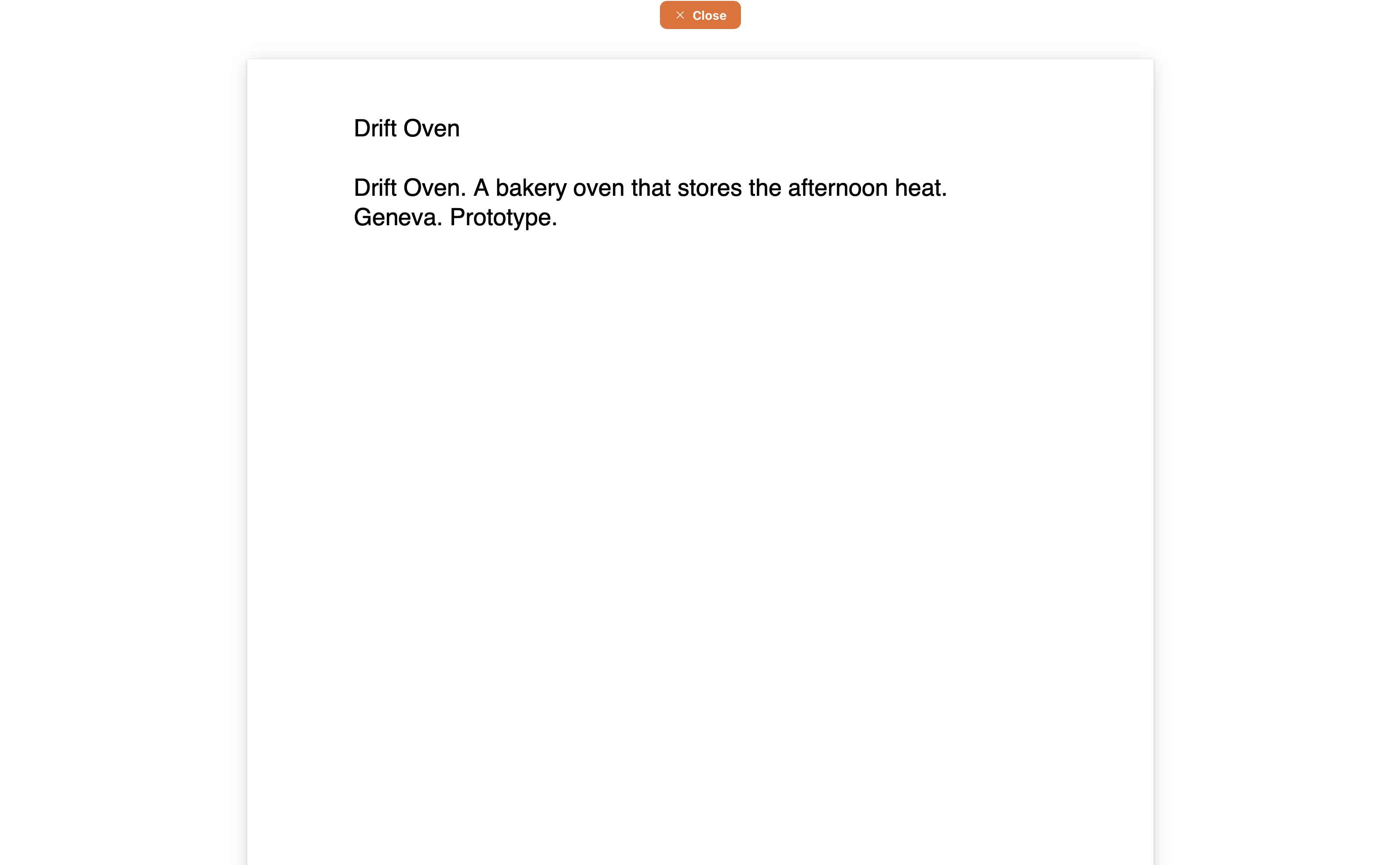
Invite each judge with a personal link. Opening the link is how they enter the selection. There is no account and no password. You choose which items that person can see.
How to use it
- Add the judgePut them on the selection before you send anything.
- Limit their itemsGive a track lead one category. Give the chair the full list.
- Send the invitationThe email from Decilio contains their link. Ask them not to forward it.
- Send a reminderOnly to people who have not submitted.
- Close the roundThey can edit until you close it. After that, the link still opens and the answers stay as submitted.