
Pick
A yes-or-no shortlist, with a maximum.
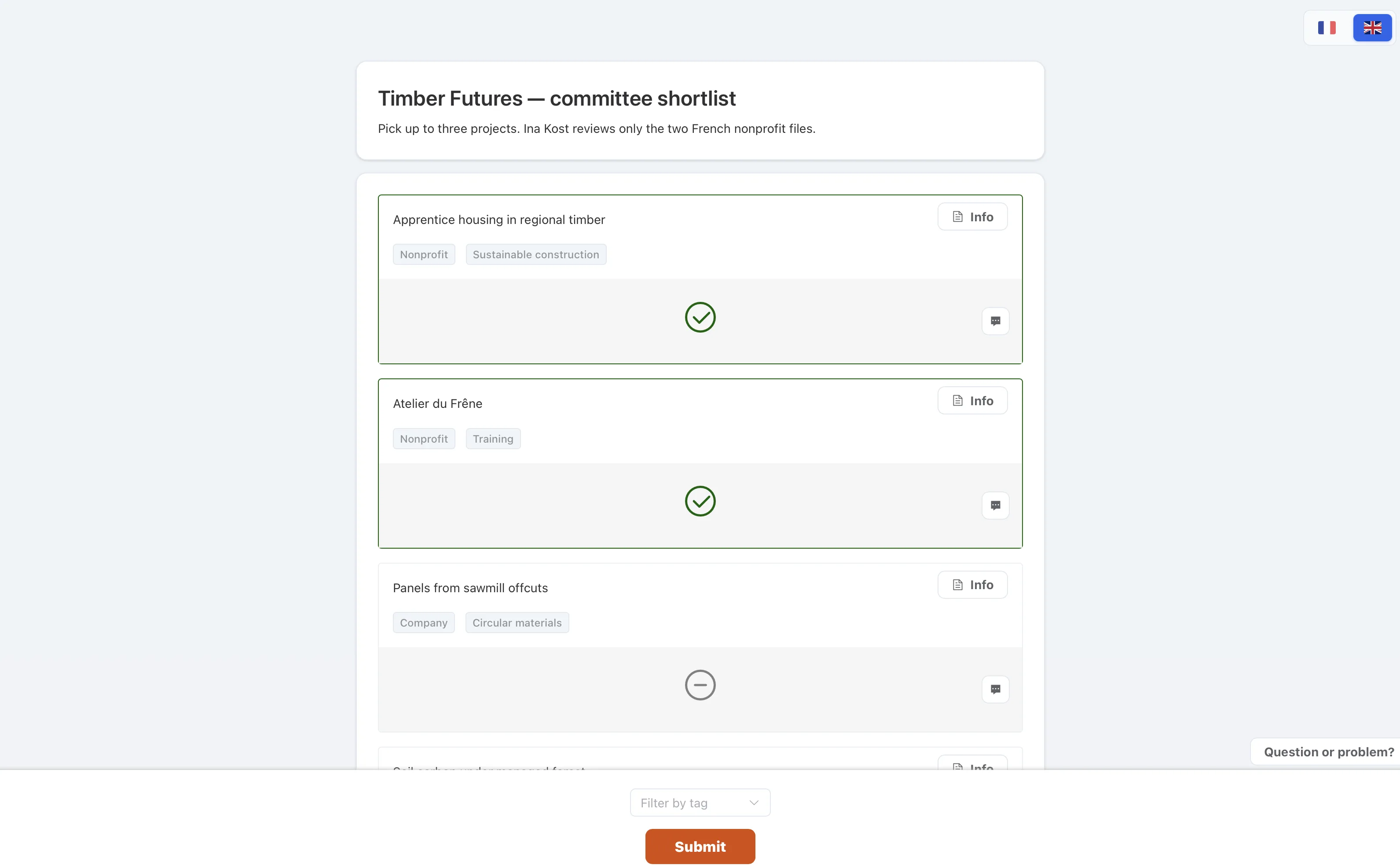
Ask judges to choose items, up to a number you set. They click to select and click again to remove. Use it when the question is “who goes through”, for example a top 5.
How to use it
- Set the maximumThe page stops a judge from selecting more than that number.
- Add the itemsThese are the candidates, often the finalists from an earlier rating.
- Send the linkJudges open a private link, the same way as in the other modes.
- Collect the picksThe report counts how many judges selected each item.
- Close the roundJudges can change their set until you close the selection.