
Workspaces
The team that runs the program, separate from the jury.
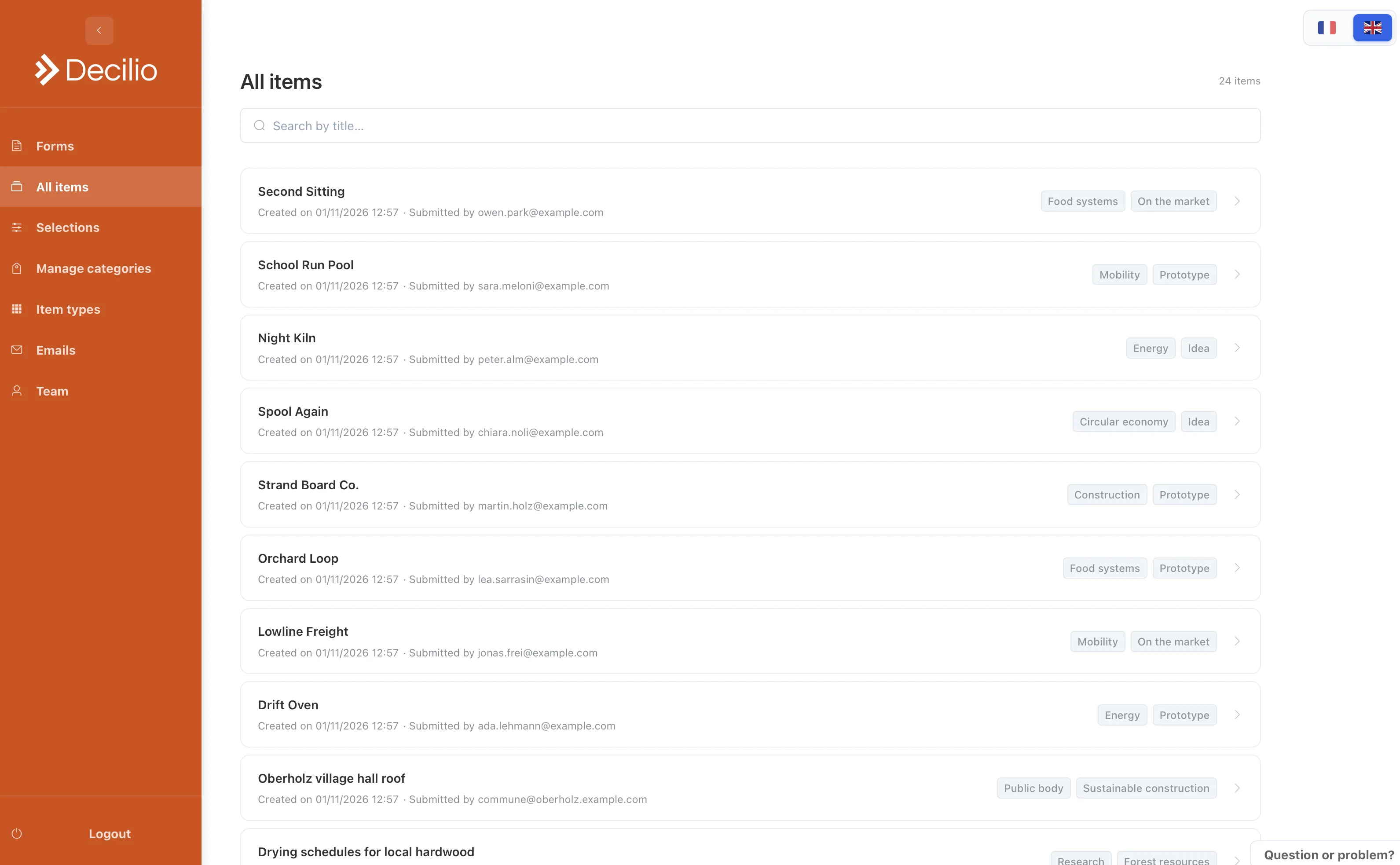
Use a workspace for the people who run the program. Admins create forms, items, selections, tags, and review statuses. Judges are not members. They only have the link you send them.
How to use it
- Create the workspaceThis is the home for one program or one team.
- Invite organizersOne seat on Basic, three on Plus, ten on Premium.
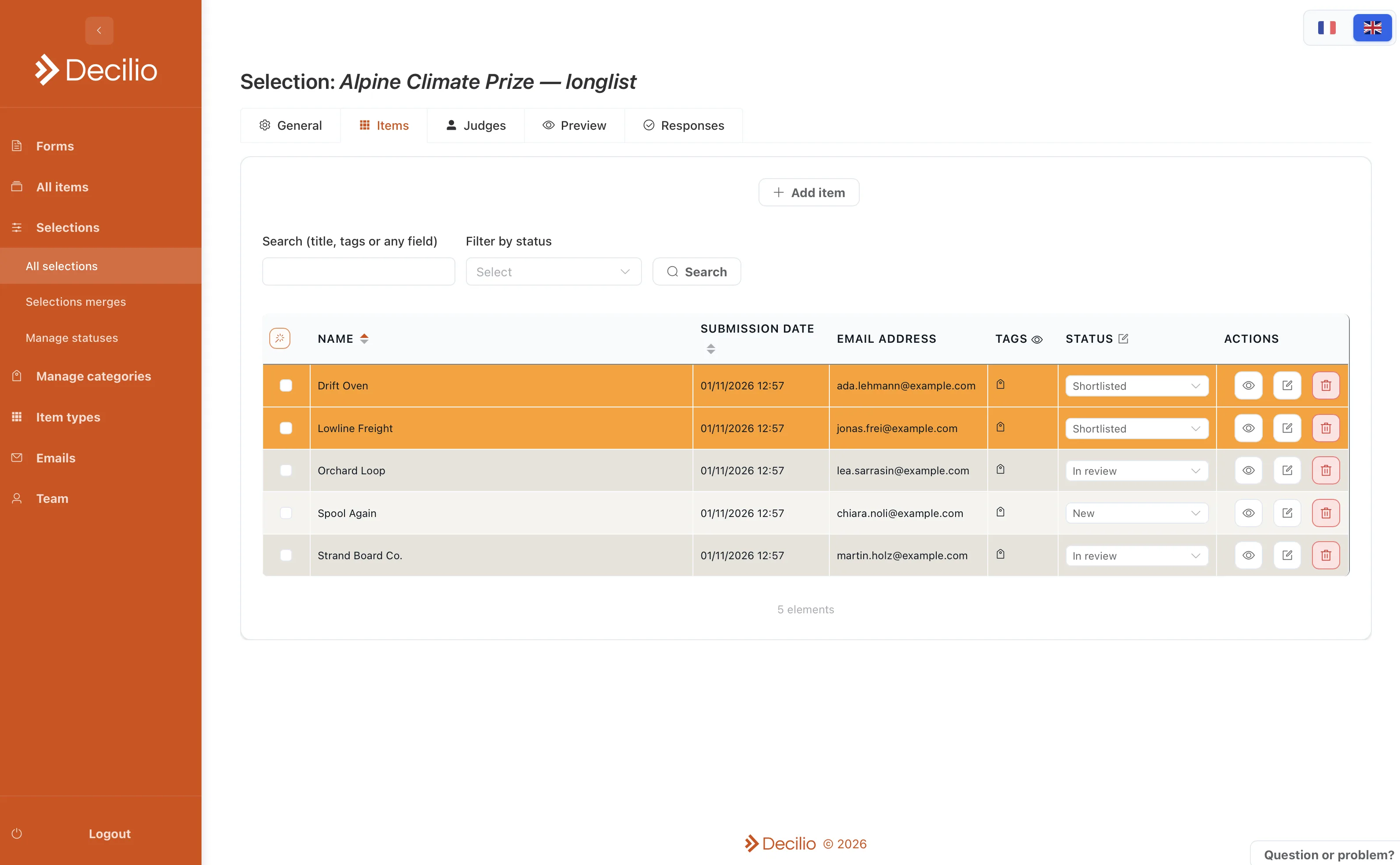
- Mark a statusEligible, shortlisted, or declined. That label stays off the judge’s screen.
- Keep the setupReuse the form and the selection shape for the next cohort.