
Pick items
Click to select. The page stops you at the maximum.
Click the items you want to select. Click again to remove one. The page stops you at the maximum the organizer set.
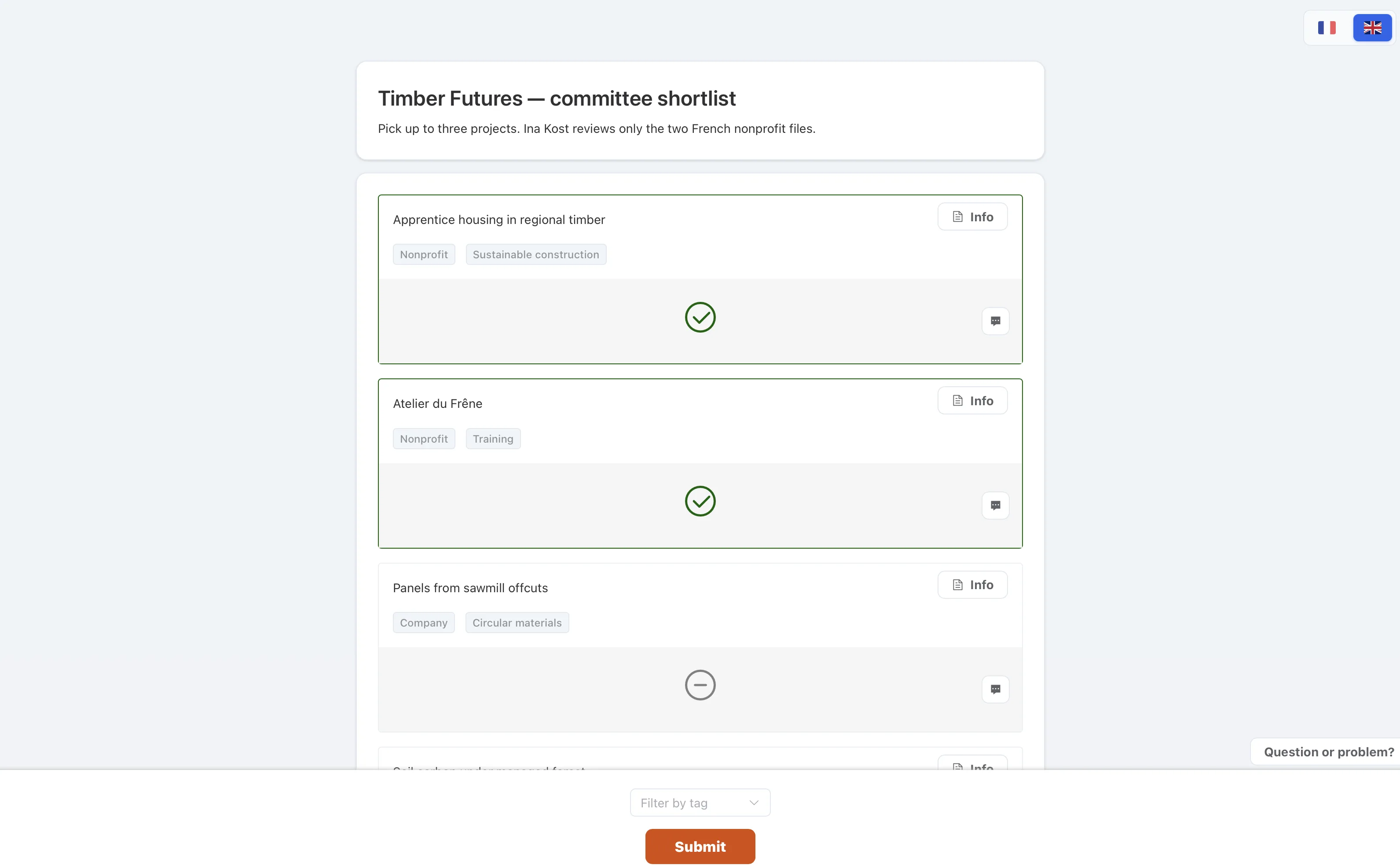
How to use it
- See the maximumThat is how many items you may pick.
- Click to selectClick the same item again to remove it.
- SubmitYou can still edit until the selection is closed.