
Submit a rating
Score each criterion, then submit.
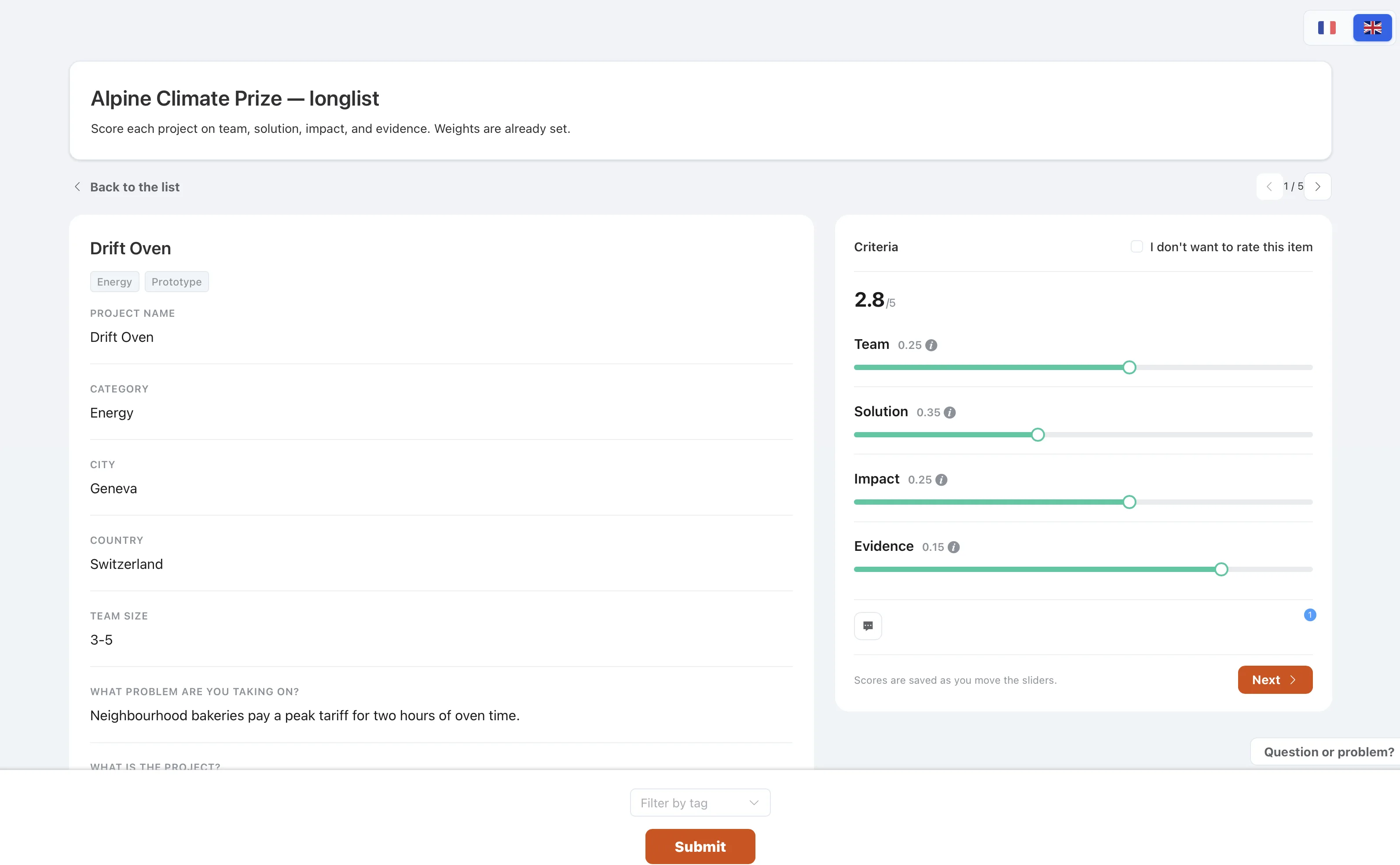
Score each criterion on each item, then submit. You can change the scores until the organizer closes the selection.
How to use it
- Open an itemThe criteria are listed under it, such as innovation or team quality.
- Move each sliderFrom the low end of the scale to the high end.
- Use a filter only to hide itemsIt does not submit a score.
- Press SubmitYou can edit again until the round is closed.