
Create a form
Build the application, test one submission, then publish the link.
Create the application, submit it once yourself, then publish the link.
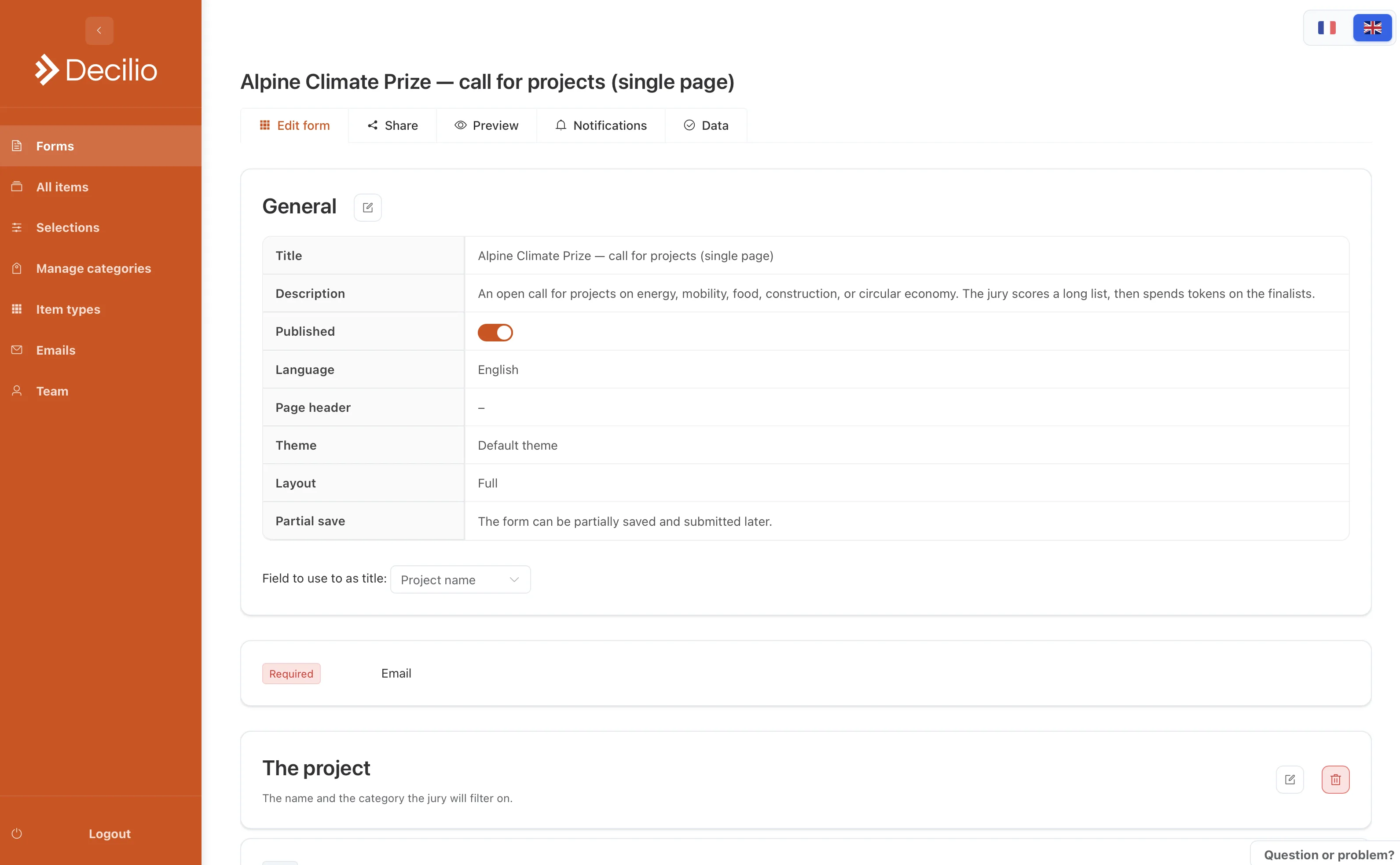
How to use it
- Name itUse the title and the language applicants should see.
- Add questionsMark the required ones. Add a file upload for the deck or the dossier.
- Add a conditionShow a later question only when an earlier answer needs it.
- TestSubmit once and check the item it creates.
- PublishShare the link. Turn on the confirmation email if applicants should get a receipt.