
Awards
A closed jury, a comment next to the score, and a public vote that stays in its own round.
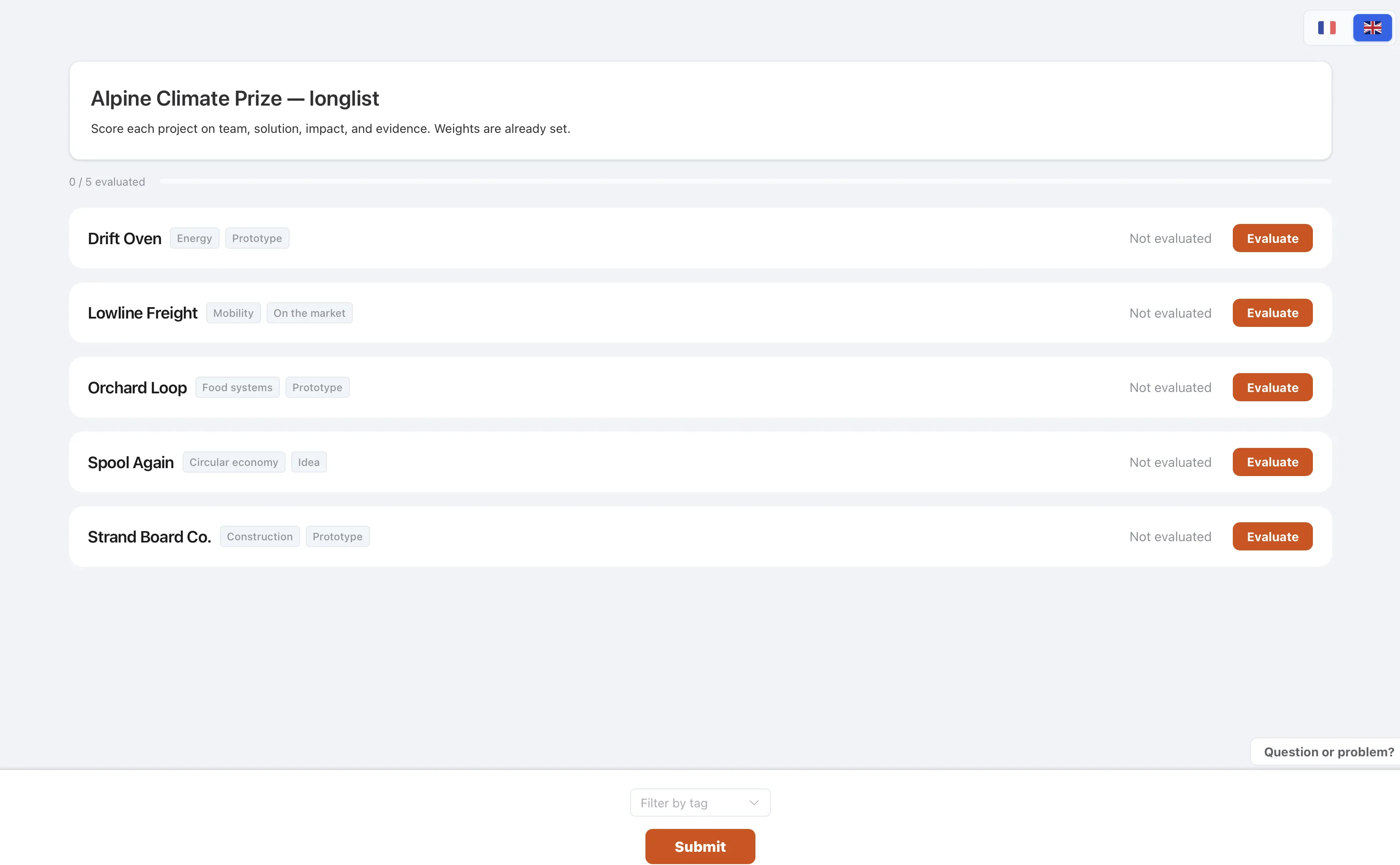
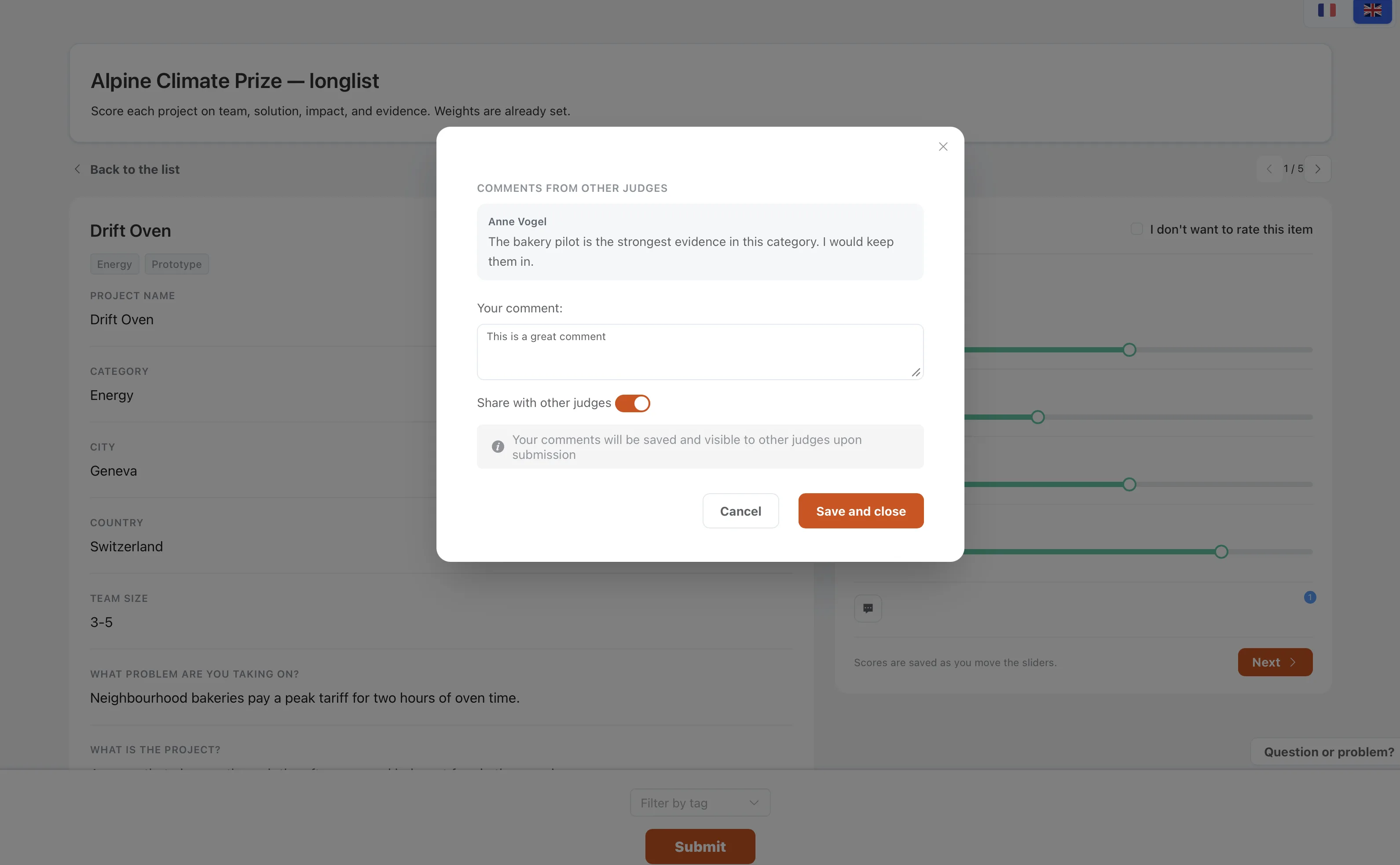
The jury reads the entries on a private link and leaves a reason next to the score. Share a comment when the other judges should see a factual note. If the audience also votes, that round does not replace the jury round.
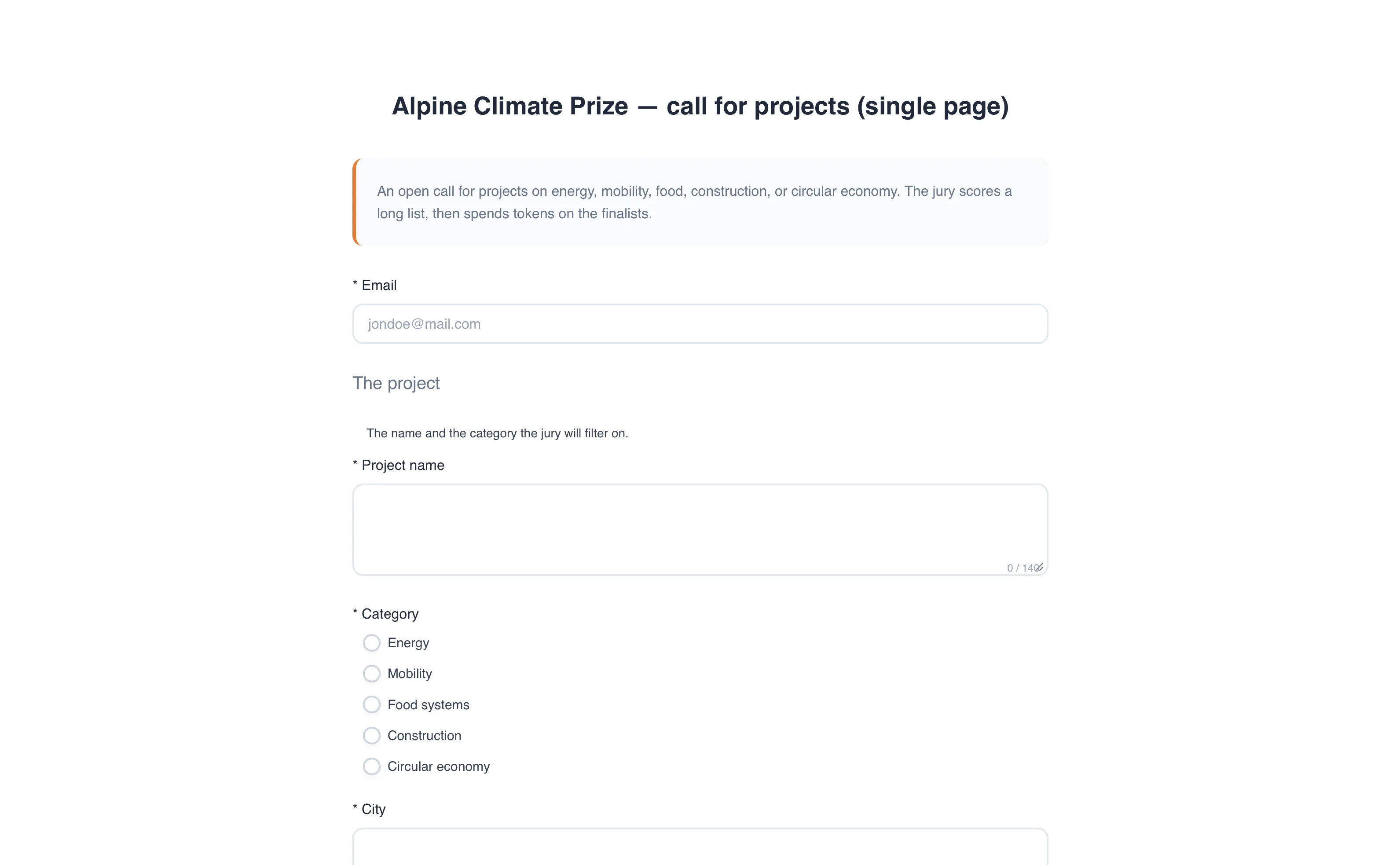
Take the entries
The call asks for the project, the category, and the file the jury should open. People submit from the link. You see each entry as an item, ready to put into the jury round.
Run the jury in private
Judges score on your criteria, or spend tokens if you want a forced ranking. They see only the items you give them. They can change an answer until you close the round.
Keep the reason with the score
A comment sits on the entry. Leave it unshared when it is a private judgement. Share it when the other judges on this selection should read a correction before the deliberation.
How to use it
- Set up the jury roundA private link, then a rating or tokens.
- Ask for a commentThe chair reads it beside the score.
- Add a public roundVoters confirm an email. That round does not replace the jury.