
Grants and scholarships
The dossier stays on the item. Each reviewer sees only their files.
Applicants upload the dossier on the form. You give a reviewer one field, or one subset, and the chair the full list. The committee then picks a shortlist, up to a number you set. Notes that must stay in the committee are left unshared.
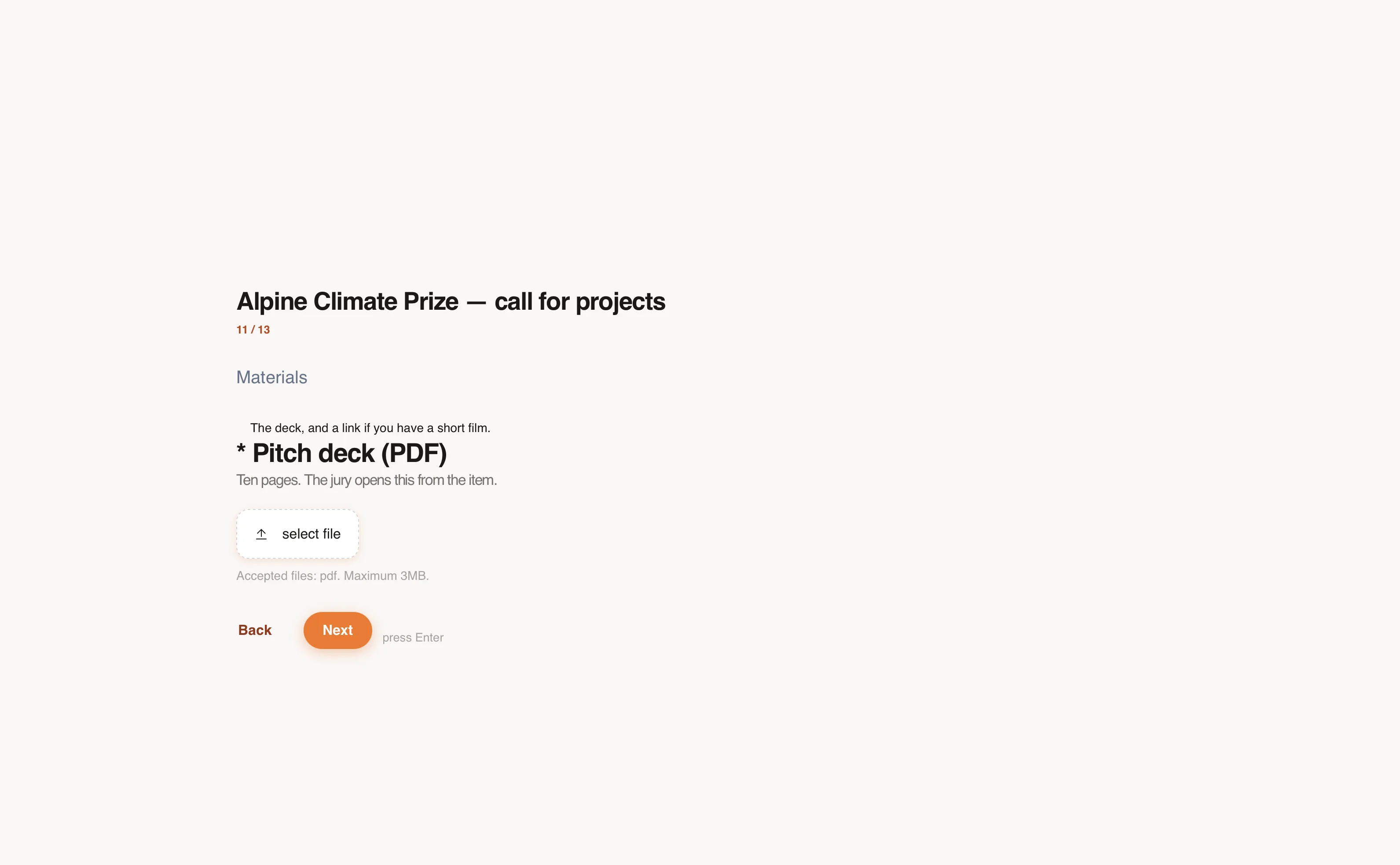
Collect the dossier
Ask for the organisation, the amount, the activities, and a single PDF. The file stays on the item the reviewer opens. A question can appear only when it applies, such as a registration number for a company.
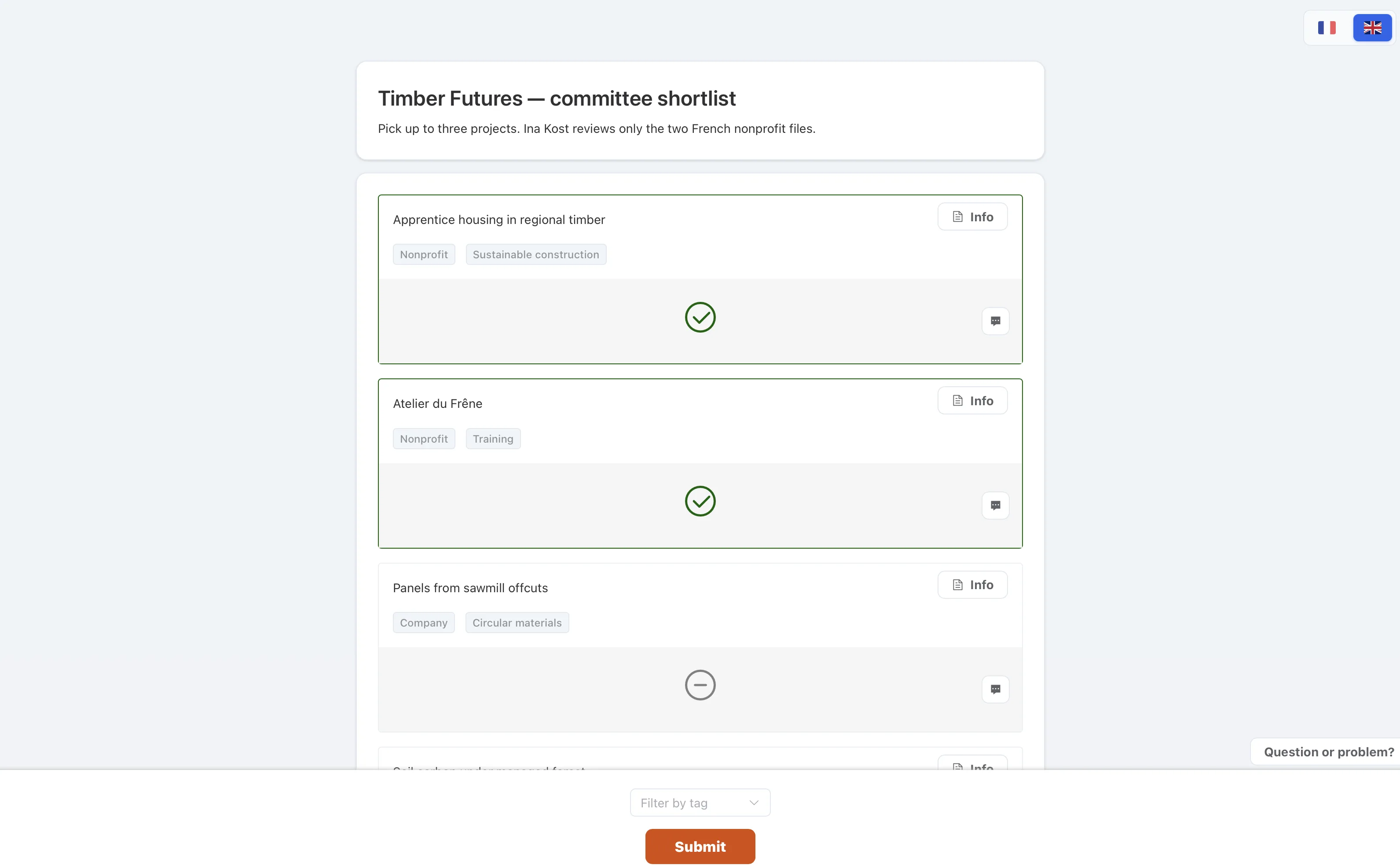
Let the committee pick
A pick is the straightforward last question: who goes through. Reviewers click to select and click again to remove. The page stops them at the maximum.
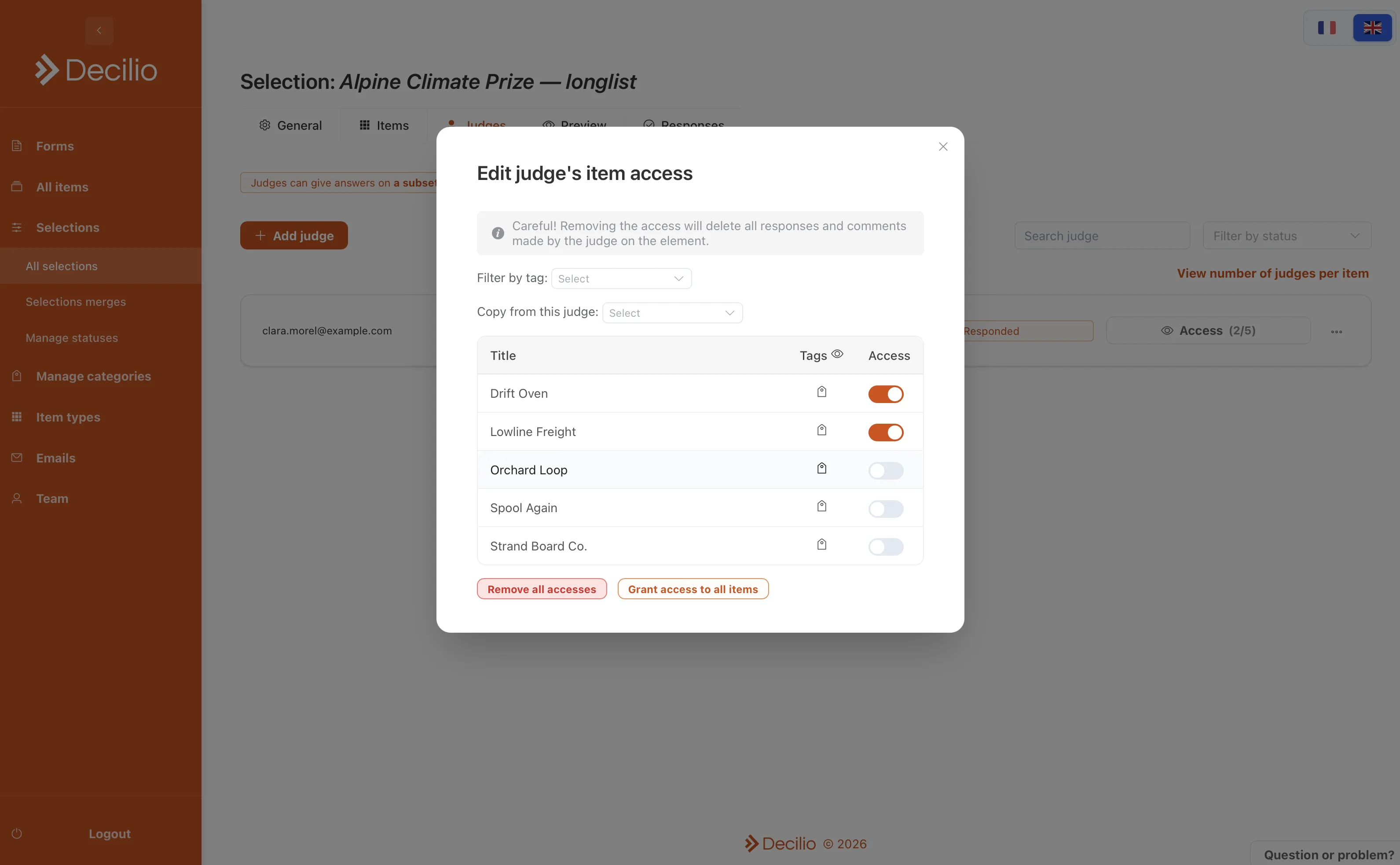
Limit who sees which file
Turn off access to every item, then grant a reviewer the projects in their field. The chair's link includes the full list. A private comment is not shown to the rest of the committee.
How to use it
- Ask for the uploadsThe dossier stays on the item.
- Limit a reviewerItem access shows them one subset.
- Give the chair everythingTheir link includes the full list.
- Match the rubricPut a weight on each criterion before invitations go out.
- Leave committee notes unsharedThe export is the record of who scored what.