
Public voting
An audience round beside the jury, not instead of it.
Voters request a link by email, pass a captcha, and then pick, rate, or spend tokens. Your confidential jury round stays on private links. Public voting is included from Plus.
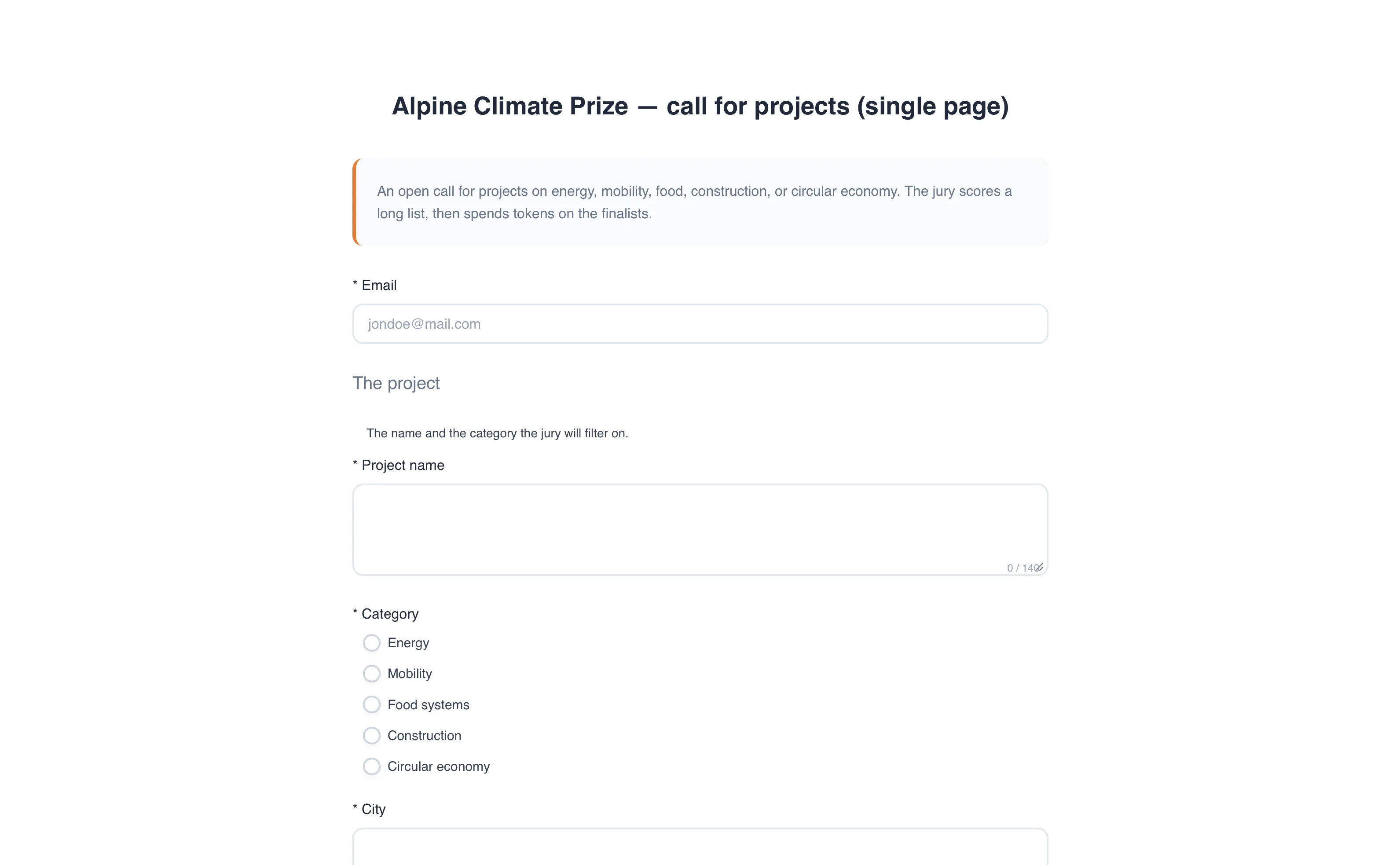
Open a form the audience understands
The public page asks for an email and then the vote. People do not create an account. A captcha sits on the form. The confirmation, if you send one, goes to that address and never to the jury.
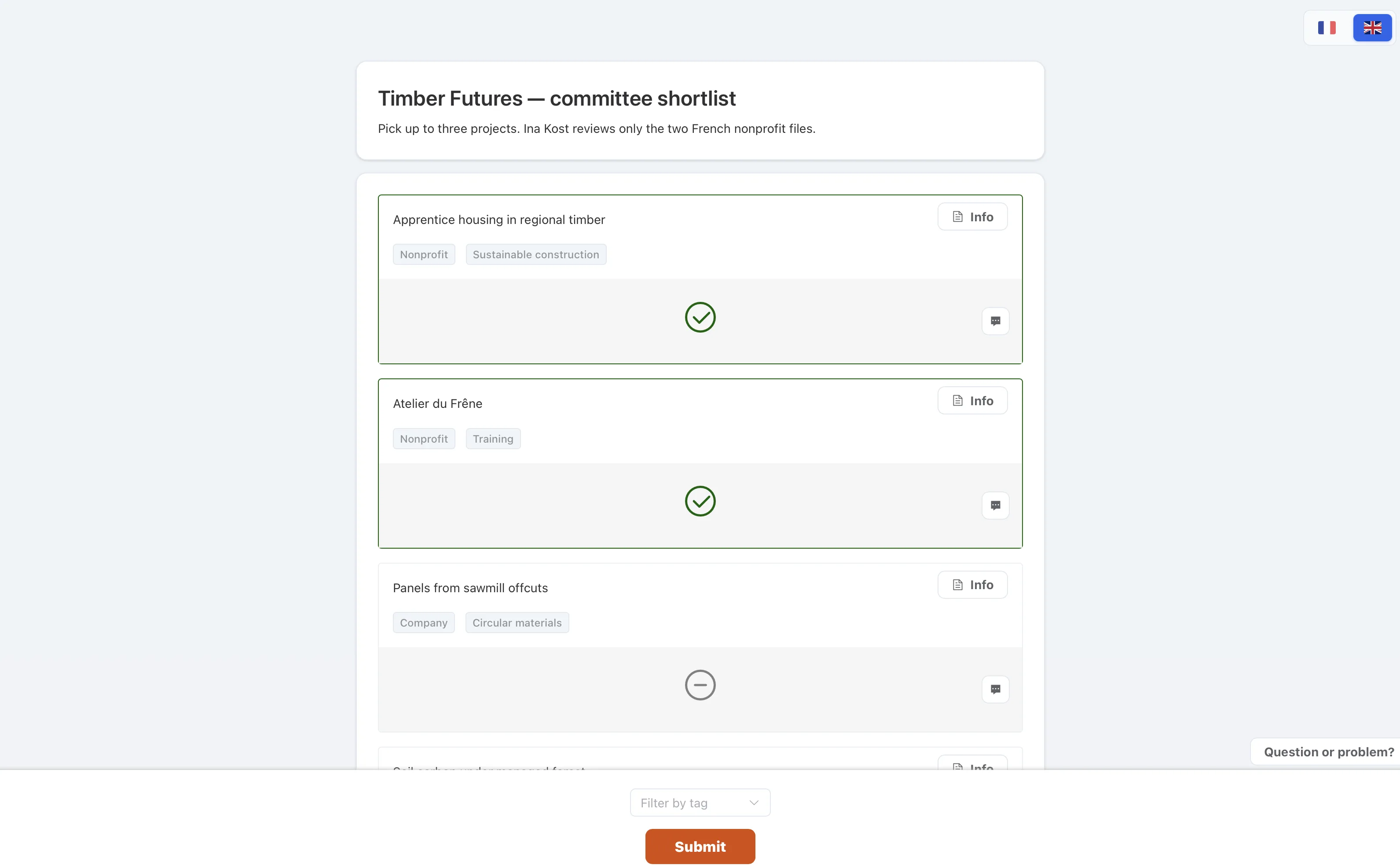
Give them a simple ballot
A pick is the easiest round to explain: choose up to a number, then submit. Tokens work if you want people to spread a budget. Rating works if you want criteria.
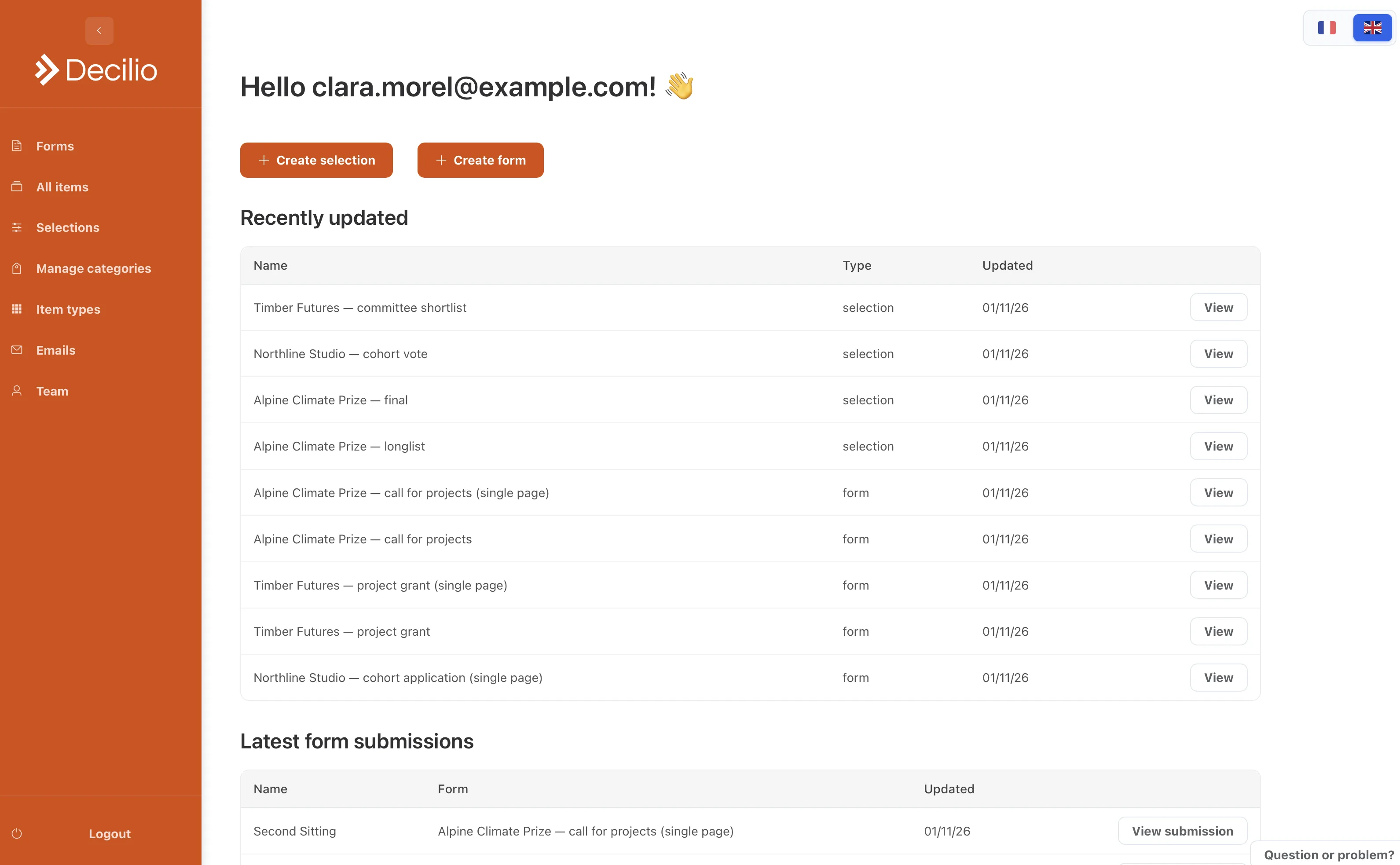
Read it apart from the jury
The audience round has its own judges, its own close date, and its own ranking. Closing it does not close the confidential round. Export either one when you need a file.
How to use it
- Create a public selectionChoose a pick if you want the simplest ballot.
- Ask for an emailThe voter receives their link at that address.
- Turn on the captchaIt sits on the public form.
- Leave the jury on private linksThe two rounds stay separate.